

PraiseTune is the app worship teams and church musicians use to manage lyrics, chords, collections and setlists in one place. A song often carries more than just lyrics and chords: a reference audio track to learn an arrangement, the original sheet music as a PDF, a page of rehearsal notes, or simply the video the band learned the song from. PraiseTune has long let you attach files to a song; with 1.2 you can also attach a link, including YouTube links, which play right inside the app.
Attaching an audio file or a document
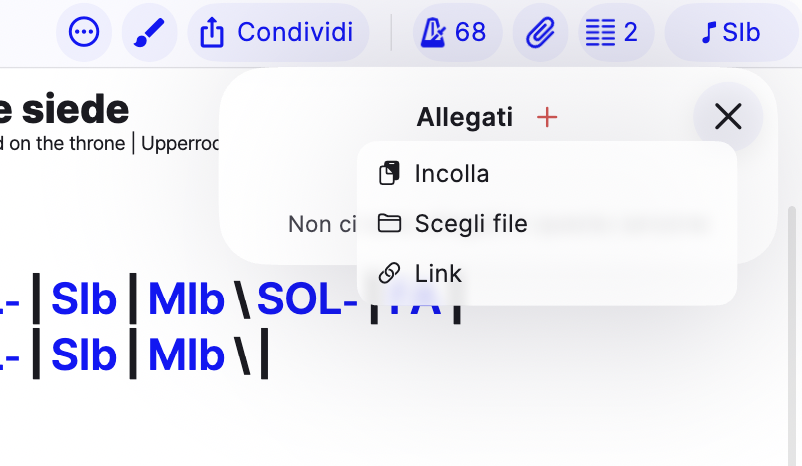
Open a song, tap the attachments icon, then the ”+” button: pick the file from your device, whether it’s an audio track (mp3, wav, m4a…) or a document (PDF, image, text). The attachment stays tied to the song and you’ll find it every time you open it.
Attaching a link (including YouTube)
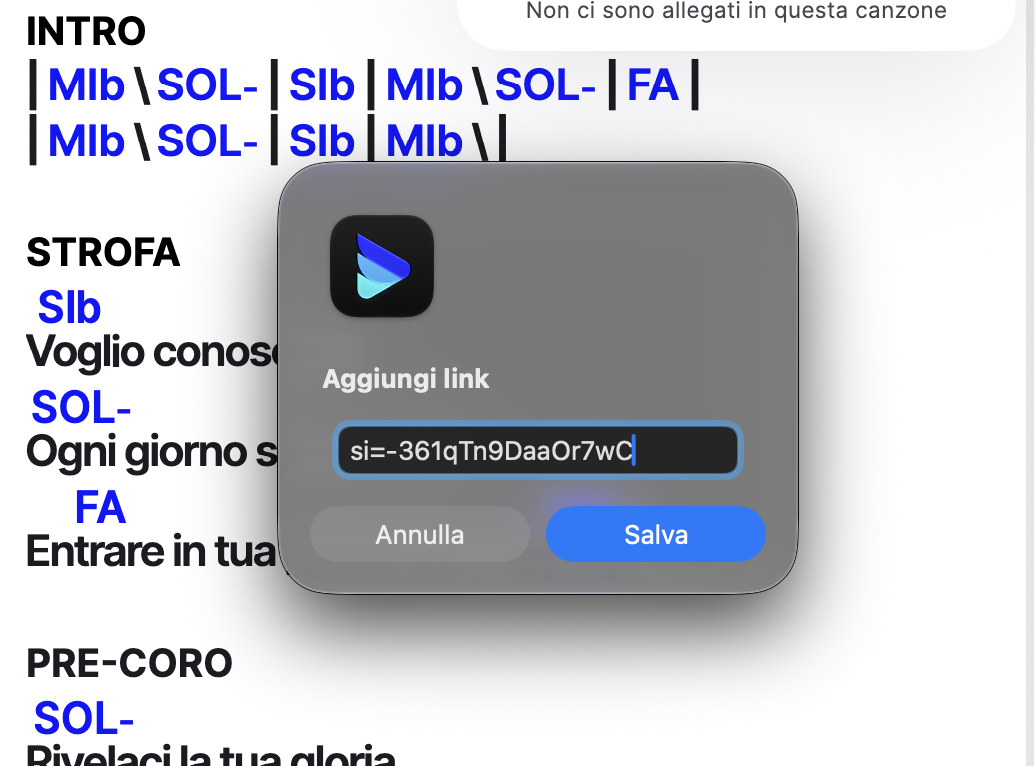
From the same ”+” button you’ll now also find a “Link” option: paste the address and confirm. If the link is a YouTube video, PraiseTune fetches the video’s title for you automatically, so you don’t have to type it by hand.
Tapping a YouTube link among the attachments, the audio plays inside PraiseTune, from the same bar you use for audio attachments: you don’t leave the app or open a browser tab. If you actually want to watch the video on YouTube, there’s a dedicated “Open with YouTube” button for that.
Playing an audio attachment
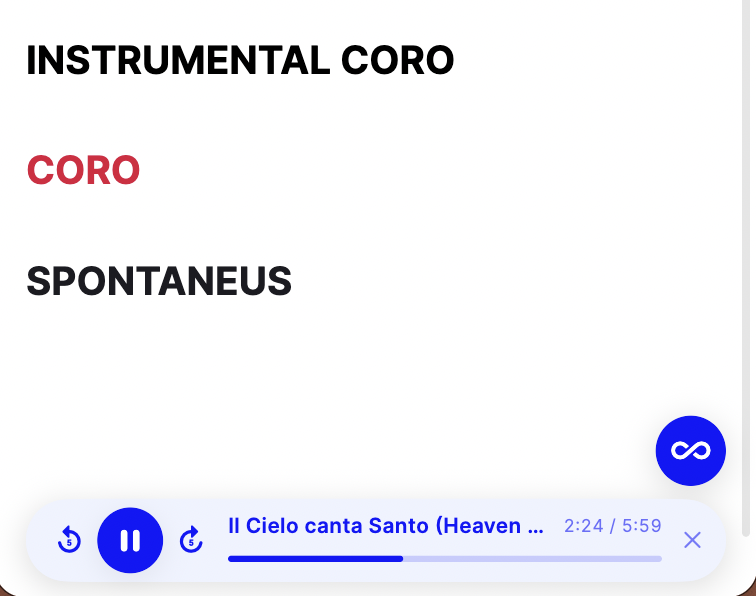
Tapping an audio attachment (or a YouTube link) opens a player chip at the bottom, with playback controls, a 5-second skip forward/back, and a progress bar. Like the metronome and the pad, this chip stays reachable while you navigate to other screens in the app, and you can close it by dragging it down or with its dedicated close button.
Attachment visibility
For files (audio and documents) you can choose who sees them: only you, your whole team, or anyone with access to the collection. Links, on the other hand, are always visible to everyone who sees the song: they don’t have a separate visibility option, since they’re usually external public references (a video, a page) rather than private material.
Frequently asked questions
Does a YouTube link use storage like an uploaded file? No, a link doesn’t upload any file: PraiseTune streams the audio directly from YouTube.
Can I attach a link that isn’t YouTube? Yes, any valid address. For a non-YouTube link, the main button is “Open”, which takes you straight to that page.
Are attachments included in the Free plan? Yes, attaching files, documents and links to a song is available regardless of plan.
If I close the song, does the attachment’s audio stop? No: like the metronome and the pad, playback continues until you stop it, even while browsing another song or going back to the list.
All the 1.2 updates are summarized in PraiseTune 1.2: floating metronome and pad, link attachments, last song and chords you can hear.
Download PraiseTune for free on App Store and Google Play.